
 Shopify PDP Workflow


Consistent structure
Define required sections and content standards for each product type.
Shopify PDP Workflow
Create and maintain Shopify PDPs through one structured internal workflow — with content standards, validation, bulk updates and approval before publishing.
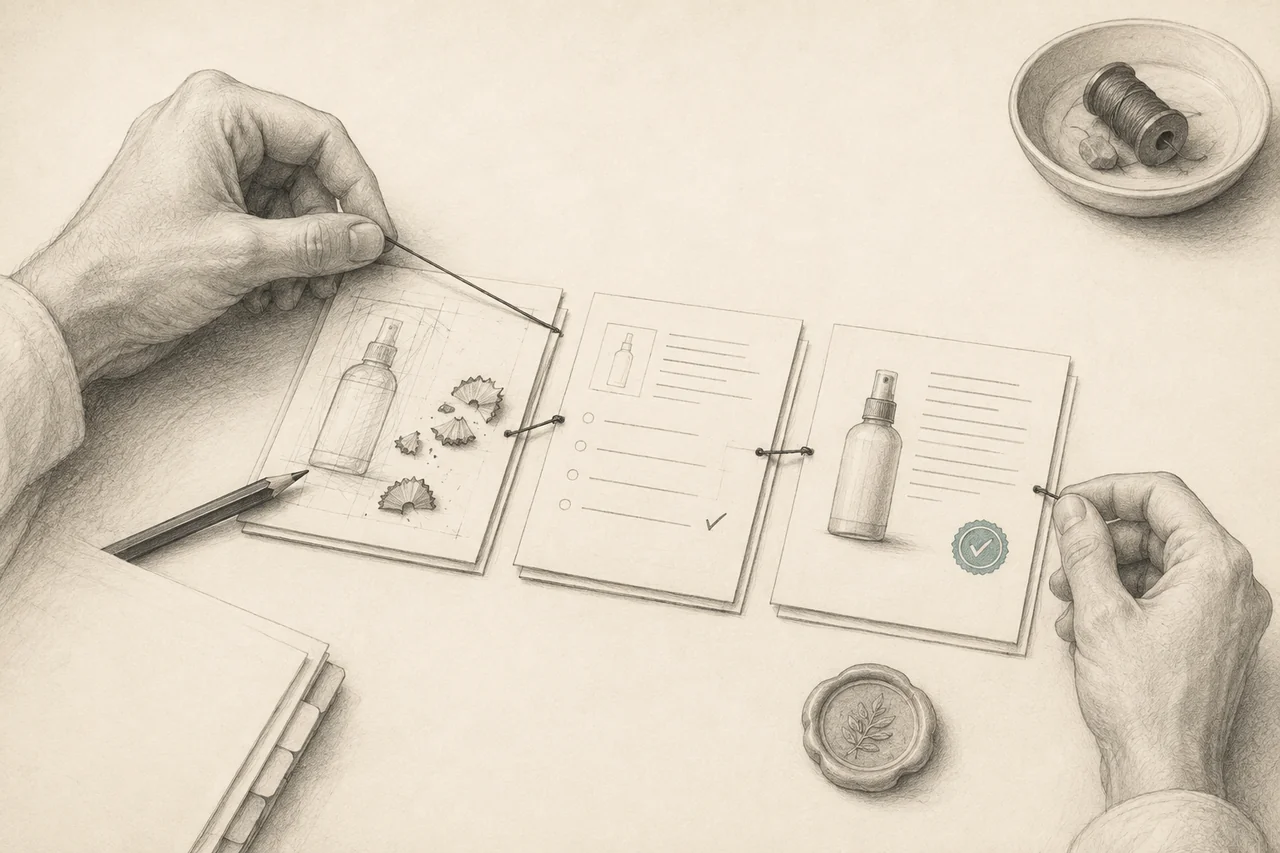
Built around your stack
Possible connections, scoped to your systems and permissions.
When product information lives across spreadsheets and tools, teams repeat manual copy/paste, rebuild the same PDP sections and lose track of who owns the next change. Repeated catalogue updates magnify inconsistent structure, brand errors and slow review. Direct publishing makes it difficult to see which changes were checked and approved.
Define required sections and content standards for each product type.
Give drafts, review requests and approvals an explicit state and responsible person.
Preview changes across selected products before a bulk action reaches the store.
See the workflow
Select a step to see how the context, output and controls connect.
Bring source information into a consistent product template. AI assistance can help drafting where it is useful.
Check required fields and content standards. A reviewer sees the exact version before approving it.
An explicit approval allows the selected change to reach Shopify. Keep the result visible for the operator.
Capture structured fields and source data with clear ownership.
Build PDP sections from agreed templates and content standards.
Draft, transform or enrich content where it improves the process.
Check required fields, formatting, structure and defined standards.
Let reviewers inspect changes, comment and request corrections.
Record explicit approval for the exact version to be published.
Publish approved changes and record the result of each sync.
Apply controlled updates to selected sets with previews and per-product status.
The platform can include templates, required fields, reusable components, validation rules and content standards. Version history and change previews can support review; role permissions and approval states can control publishing. Bulk actions, Shopify sync and publishing logs can make catalogue-scale changes traceable. These are potential capabilities for a custom solution, with the MVP chosen around your team's actual process.
Drafting, rewriting, normalization, attribute extraction, structured enrichment, content suggestions and consistency checks can reduce repetitive preparation. Generated claims still need supporting source data and review where required.
Mandatory fields, length requirements, allowed structure, publishing permissions, approval state and known compliance requirements should be checked by explicit rules wherever possible.
A bulk update should expose the selected products, proposed field changes and validation failures before approval. Approval should apply to a specific content version; later edits should return that version to review. Partial sync failures need per-product status and a controlled retry. A publishing log and version history can support recovery without repeating successful changes.
We can map the current workflow, define the data and approval model, prototype the experience and scope the MVP before full implementation. Bring example product records, current templates, review roles and a recent catalogue update. Those examples make it easier to identify the smallest useful first release.
Related
FAQ
No. Structured forms, templates, permissions, validation and publishing can use deterministic software. AI can be added selectively where drafting or transformation provides value.
A scoped workflow can support reviewer roles, comments and approval states. The approval model should reflect who owns accuracy, brand standards and publishing.
Yes. Bulk operations can include selection, change preview, validation and explicit approval, followed by individual publishing results and controlled retries.
This page describes what Lumethica can design and build. A product sprint defines the workflow, integration assumptions and MVP scope for your team.
Define the first useful release
Start with your catalogue, current process and the outcome you want to improve.